 TransPlay
PlayStation · PS1
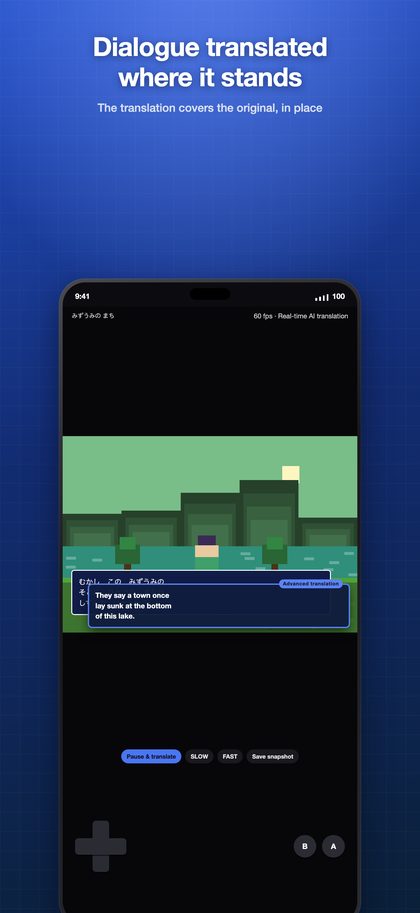
The PlayStation · PS1 classics you gave up on because you couldn't read them — play them and read them. The app reads the dialogue as it appears and lays the translation over it, in place. No dictionary in the other hand, no walkthrough on a second screen.
Screens
ONE CONSOLE, ONE APP — FOCUS ON THE GAME
TransPlay doesn't cram every console into one app. Each console gets its own, and this one is built for the PlayStation · PS1 alone.
The reason is simple: to focus on the one game you're playing. Core, aspect ratio, controller layout, translation area and game packs are all tuned for the PlayStation · PS1, with no compromises made for other consoles.
No other console cores on board, so the app stays light, and your library holds only PlayStation · PS1 games. Need another console? Get its TransPlay app — one All-Pass unlocks Pro in all 12.
Specs
| Emulation core | Beetle PSX |
|---|---|
| Supported files | .cue, .chd, .pbp, .exe, .m3u |
| BIOS | A console BIOS file is required to run anything. It is copyrighted, so it cannot ship with the app — dump it yourself from hardware you own. |
| Fast-forward | 4× |
| Game packs | 50 game packs |
| Runs on | iPhone · iPad · Mac · Android |
TRANSLATION, RIGHT ON THE SCREEN
- Text is recognized where it stands, and the translation covers it — you never leave the game.
- Japanese and English source text into 14 languages.
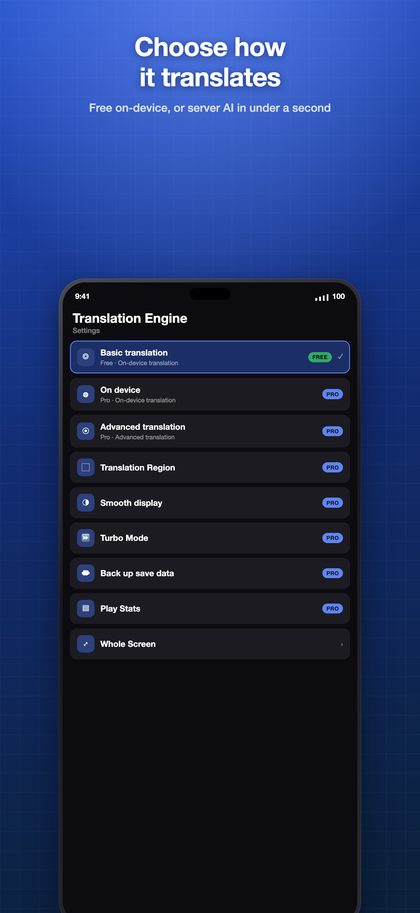
- Pick how it translates: Basic (free, on your device), On-device AI (Pro, a model you download), or Advanced (Pro, a dedicated server, under a second).
- Set a translation area per game. Mark the dialogue box and HUD numbers stop getting translated.
- Freeze & Translate — when dialogue runs past too fast, hold the frame and read it at your pace.
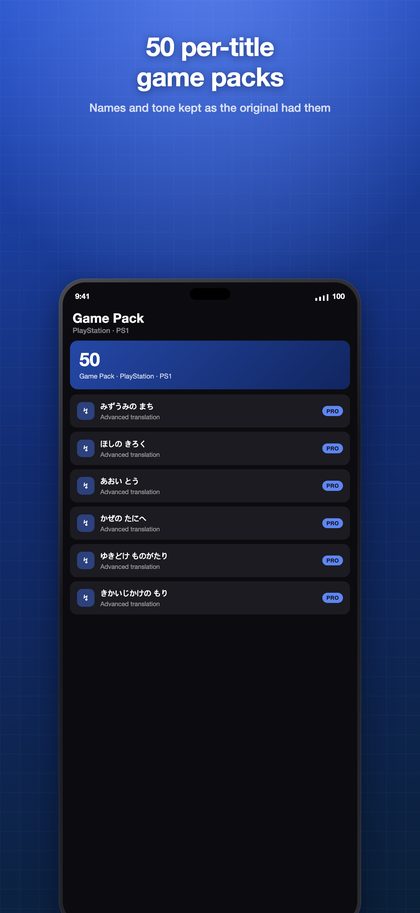
- 50 game packs — per-title glossaries of names, tone and plot, so translations land close to the original.
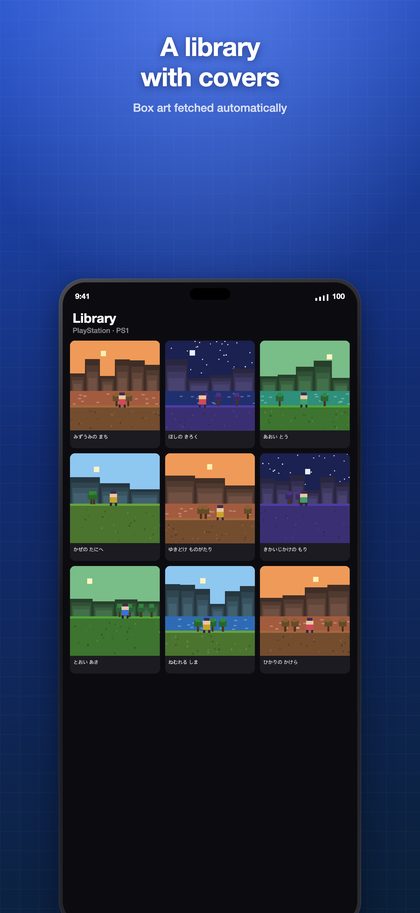
- Box-art library — your games shown by their covers, fetched automatically.
- Wi-Fi import — drag files in from your computer's browser. No cable, no iTunes.
- Move and resize the on-screen controller, or connect a Bluetooth gamepad.
- Turbo buttons — the ones you pick in Settings fire repeatedly while held.
- Cloud backup for saves and snapshots.
- Device-to-device transfer — pull games and saves straight from your other iPhone, iPad or Mac on the same Wi-Fi.
- Play statistics — what you played, and for how long.
Not affiliated with, endorsed by, or sponsored by any console maker or game publisher. All trademarks are the property of their respective owners.