 TransPlay
Game Boy Advance
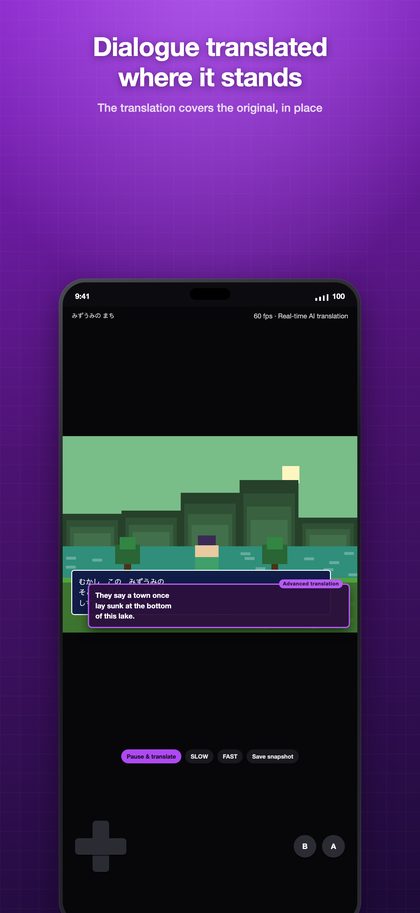
The Game Boy Advance classics you gave up on because you couldn't read them — play them and read them. The app reads the dialogue as it appears and lays the translation over it, in place. No dictionary in the other hand, no walkthrough on a second screen.
Screens
ONE CONSOLE, ONE APP — FOCUS ON THE GAME
TransPlay doesn't cram every console into one app. Each console gets its own, and this one is built for the Game Boy Advance alone.
The reason is simple: to focus on the one game you're playing. Core, aspect ratio, controller layout, translation area and game packs are all tuned for the Game Boy Advance, with no compromises made for other consoles.
No other console cores on board, so the app stays light, and your library holds only Game Boy Advance games. Need another console? Get its TransPlay app — one All-Pass unlocks Pro in all 12.
Specs
| Emulation core | mGBA |
|---|---|
| Supported files | .gba |
| BIOS | No BIOS file needed — drop in a game file and it runs. |
| Fast-forward | 10× |
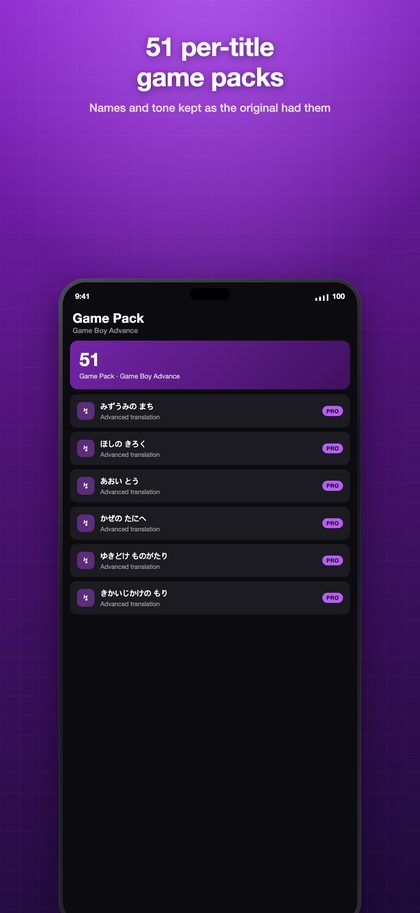
| Game packs | 51 game packs |
| Runs on | iPhone · iPad · Mac · Android |
TRANSLATION, RIGHT ON THE SCREEN
- Text is recognized where it stands, and the translation covers it — you never leave the game.
- Japanese and English source text into 14 languages.
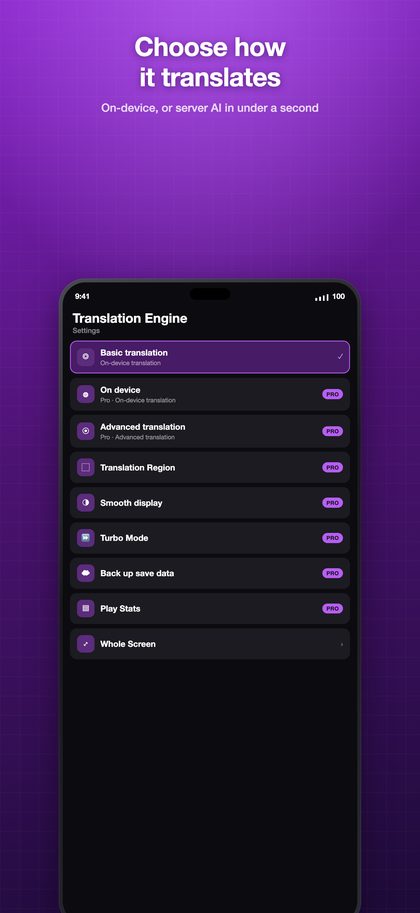
- Pick how it translates: Basic (free, on your device), On-device AI (Pro, a model you download), or Advanced (Pro, a dedicated server, under a second).
- Set a translation area per game. Mark the dialogue box and HUD numbers stop getting translated.
- Freeze & Translate — when dialogue runs past too fast, hold the frame and read it at your pace.
- 51 game packs — per-title glossaries of names, tone and plot, so translations land close to the original.
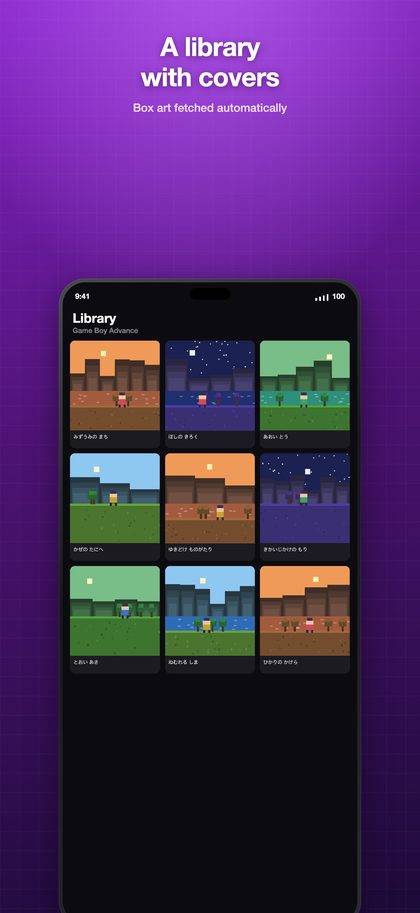
- Box-art library — your games shown by their covers, fetched automatically.
- Wi-Fi import — drag files in from your computer's browser. No cable, no iTunes.
- Move and resize the on-screen controller, or connect a Bluetooth gamepad.
- Turbo buttons — the ones you pick in Settings fire repeatedly while held.
- Cloud backup for saves and snapshots.
- Device-to-device transfer — pull games and saves straight from your other iPhone, iPad or Mac on the same Wi-Fi.
- Play statistics — what you played, and for how long.
Not affiliated with, endorsed by, or sponsored by any console maker or game publisher. All trademarks are the property of their respective owners.